Shape By Ear
Find the sound. Not the setting.
Explore the WING processor library musically. Switch models while listening, choose the character that fits, then open the full controls when you need them.

Explore Musically
Switch · Listen · Choose
Compare character, not parameter lists.
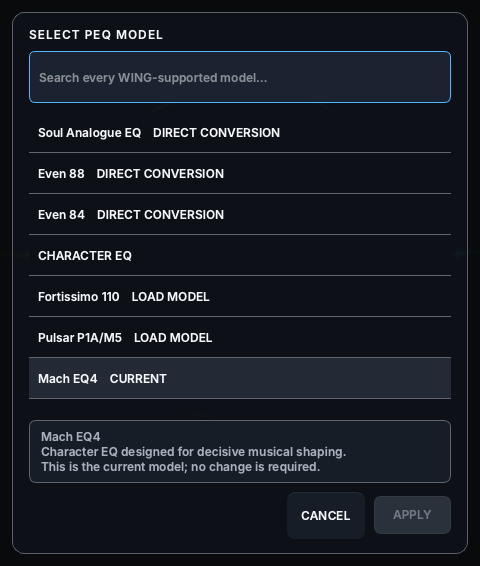
Move between compatible WING processor models while the band or source is playing. The current chooser groups direct conversions and character EQs, and explains the selected model before apply.
Start great. Then make it yours.
Real Processor Experience
Different tools. Different character.
The current Channel Studio renders the selected WING model in context with its signal path, live channel identity, settings and engineer knowledge.


Full Control
Simple to choose. Deep when you need it.
Once the character is right, open the full processor, work with its model-specific controls, preview the translation and apply deliberately.
Save the Sound
Keep the direction that worked.
Channel Studio currently exposes Save changes and Save as new preset actions. Cloud synchronisation remains unavailable in the current Alpha.
Join the Alpha