Sound Check
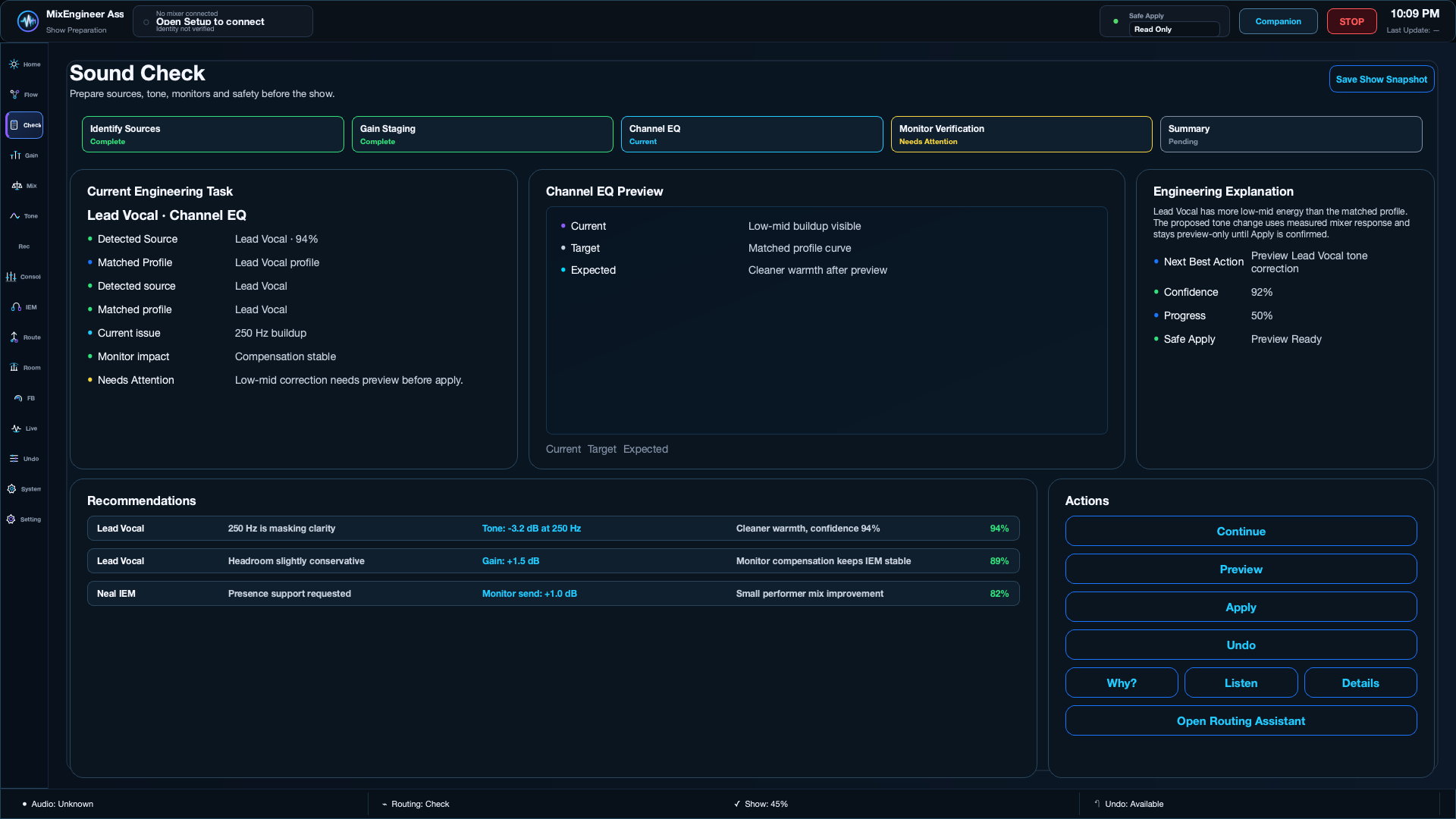
Identify sources, stage gain and preview recommendations.
What to do next
- Start Sound Check from Mission Control.
- Confirm detected source and matched profile.
- Review gain, EQ and monitor recommendations.
- Use Preview before Apply.
- Keep Undo available during the session.